


Before the meeting
Everything about the customer in one place, or ask the chat.
ADze Platform
ADze handles the small stuff. You do what your customers pay you for. Customers, tasks, projects and AI in one place. Every morning you see what counts today.
From Regular price €29 now €14.50 a month plus VAT
The first 100 offices pay only half, for as long as they stay. From the 101st office on, the full price applies.
30 days free for new customers, cancel monthly.
CRM, projects and tasks in one system you set up yourself. Connected to Microsoft 365, Teams, Proton, sevDesk and your own AI.
See it: Your digital officeThe AI works where you work. It suggests, you decide.
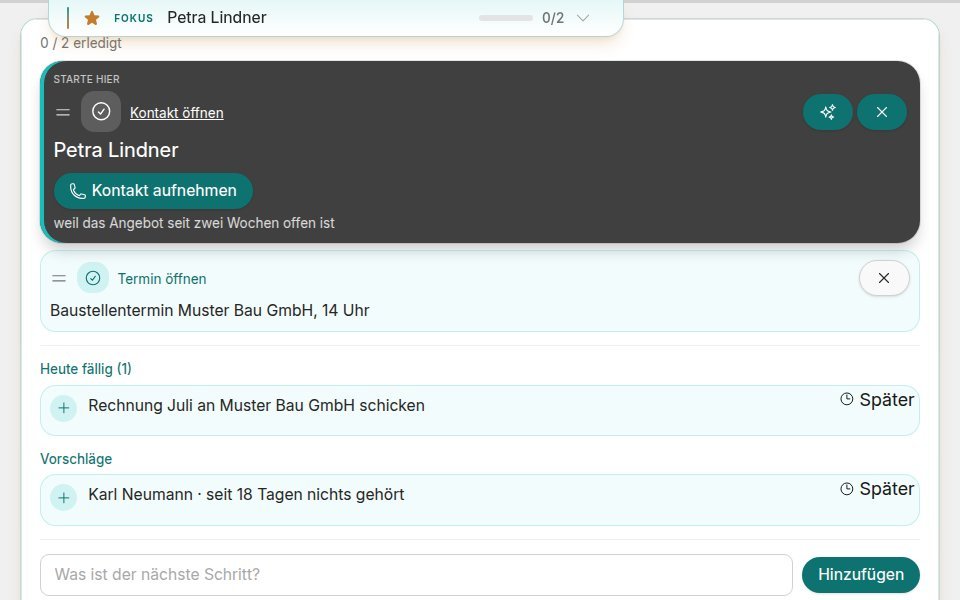
See it: AI that works with youEvery morning it shows what counts, and why.
See it: A clear head for the workStored in Germany, every organisation kept apart, sign-in with a passkey. ADze replaces recognised names before the AI sees them.
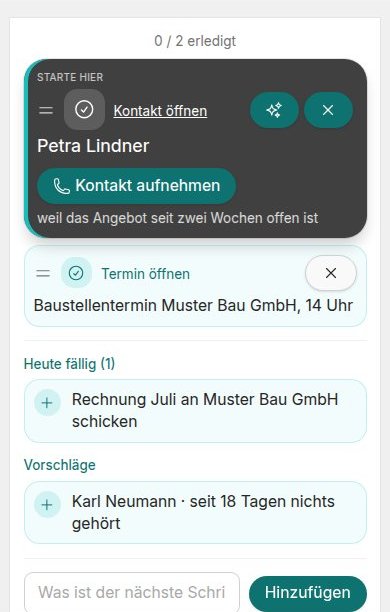
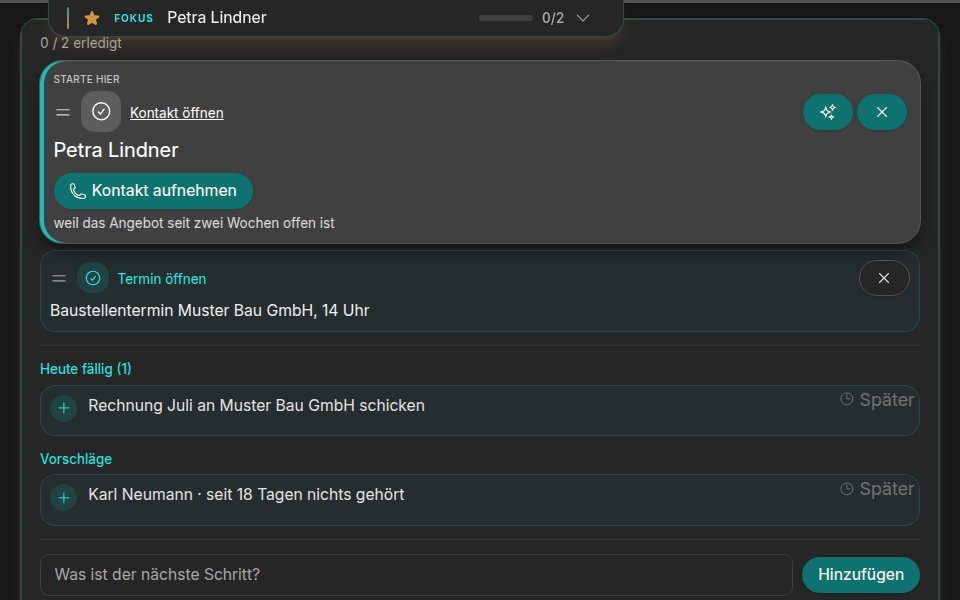
See it: Privacy and security firstTasks that are due and customers to follow up with, each with a reason. You tick them off right there.
Know it all before, forget nothing after. What happens next is your call.
Everything about the customer in one place, or ask the chat.
Speak it in the car, and it becomes a note. Nothing gets lost.
Ask @AI in the middle of a chat with your colleague. You see the answer first, then decide whether everyone sees it.
Your contacts sync with Outlook and Proton, all the way to your phone. The assistant also works in Microsoft Teams.
Appointments with the location “Zoom” get a Zoom meeting of their own that moves along when you reschedule.
Projects with roadmap and milestones, tracked time becomes an invoice in sevDesk.


AI
Claude, n8n and other tools connect to ADze through MCP. They work with your rights and see names only replaced.
Digital office
Write topics as in Markdown, keyboard only. [[ links topics, @ links contacts and projects. Every topic, contact and project shows where it is mentioned. Private or for the team, with templates for everything you write more than once.
Privacy
The system replaces names, addresses and numbers before a question goes to the AI. In the chat the AI gets made-up stand-in names, you see the real ones.
A placeholder names the kind of value and an identifier, for example [PERSON:…] for a name or [PHONE:…] for a phone number. A stand-in name looks like a real name.
Browse with the arrow keys
You send the offer for signature. Your client signs on their phone or computer, and the signed PDF lands on the project. Included from the Solo plan, no extra subscription.
Paste an address from an email into a contact or organisation. Street, postcode, city and country fill in by themselves.
You paste the signature from an email, and it becomes a contact with name, company, email and phone for you to check. One click, and it is saved.
After a conversation you note when you get in touch and what about. On the day your sentence shows in Today.
You click holiday, the rest happens by itself: Outlook and Proton reply for you, and your phone only buzzes for appointment reminders.
You run more than one company? Add them and give each a colour. Projects, tasks and appointments show it, and you filter lists and the calendar by company. Contracts and invoices carry the right name.
Assign a meeting type to one of your companies. Your clients then book on a page with that company's name and logo, and with a calendar of that company the appointment lands there too.
Suggest a few times and share the link. Everyone answers yes, if need be, or no, without an account. You see which time is leading and put it in your calendar with one click.
Capture a thought as a note while driving. Or ask what is due in your projects and tasks.
You paste your notes into the chat, and the minutes come in your usual structure. The chat writes the mail right after.
Ctrl+K, type a title, start writing. [[ links topics, @ links contacts and projects, and every topic shows where it is mentioned.
Upload a file, pass on the link or QR code. You decide how long the link stays valid and protect it with a password if you like.
One click opens the file in your browser, no download, no Office licence. You write in it together, and every change lands in the project by itself.
Our account for a bank transfer, your contact card, the link to an offer: you tap the suggestion and the code is there. From an offer, the amount comes along.
Your connected assistant checks your trips against your calendar and attaches the matching appointment. The list shows it right under the trip, and you mark trips as business, several at once if you like.


Connect Claude Code, Cursor, VS Code or ChatGPT with a personal access token from your account. The AI then works with your permissions and sees only what you can see.
How your texts should look lives in an instruction you can open any time and extend by a rule. The chat works by it without you explaining it again every time.
What you can expect from good software comes with every plan. No surcharge and no settings marathon.
You sign in with your fingerprint, your face or your device PIN, on your phone as on your computer. There is no password anyone could guess or fish out with a fake email. You unlock the screen lock the same way. If you prefer a password, you can add a code from an app on top. Your organisation decides which ways are allowed.


ADze stores the phone numbers, email addresses and street details of your contacts, your organisation's bank details and access keys encrypted one by one. The connection to your browser is always encrypted.
Every organisation is kept apart on its own, deep down in the system and not just in the interface.
Your data is backed up every night. After every backup the system checks automatically whether a backup file was created. We tested a restore successfully on 17 October 2026. The servers are in Germany.
The interface speaks German and English. Each person picks their own language, even within the same team.
Light, dark or whatever your device is set to. The choice is yours and is remembered.
ADze installs on phone and computer like an app. No app store, with its own icon on the home screen.
Usable by keyboard, with sufficient contrast. We check pages and dialogs automatically against WCAG 2.2 AA.
The first 100 offices pay only half, for as long as they stay. From the 101st office on, the full price applies.
For sole traders.
1 person
Regular price €29
now
€14.50
per month, net
For small teams.
2 to 19 people
Regular price €24
now
€12
per person per month, net
For growing teams.
From 20 people
On request
Per person, as you need.
For your company with your own logo and only the modules you need. Ask for your own instance
Privacy and security
Five things ADze does for your data. You can read up on each of them.
Fingerprint, face or device PIN instead of a password. If you use a password, you can add a code from an app. Your organisation decides which ways are allowed.
ADze and your data run at dataforest in Frankfurt am Main, files are stored at Hetzner in Nuremberg.
Every organisation is kept apart at the very bottom of the system, not just in the interface.
Your contacts' phone numbers, email addresses and streets, your organisation's bank details and access keys are stored individually encrypted. The transfer is encrypted as well.
Before a question goes to the language model, a service of our own replaces recognised names, numbers and addresses. It can miss a detail, so a second run checks again. Web search and read-aloud work without this step.
The system runs on servers at dataforest (opens in a new window) in Germany. A data processing agreement (DPA) with dataforest is in place. Before every new version the Ruby and JavaScript libraries it uses are checked automatically for known vulnerabilities, the running system again every hour, and changes to content are kept as versions you can trace.
On request you get your own instance with your logo, your name and only the modules you need. It can also run on your own infrastructure.


The system is built with Ruby on Rails, Hotwire and PostgreSQL, and row level security keeps every organisation apart in the database. Names are recognised by our own service on our own server. The application and the database run in containers on rented servers of dataforest GmbH in Frankfurt am Main, and files are stored at Hetzner in Nuremberg.
Sovereign
Storage happens in Germany, the language models come from providers in the EU. Whatever goes further is named here.
Also named in the privacy policy.
Computing and sending happen here.
This is where your data lives.


